FilmStar supports industry-standard database software for managing coating designs and quality assurance. |
|||||||||||||||||||||||||||||||||||||||||||||||||||||||||||||||||||
|
|||||||||||||||||||||||||||||||||||||||||||||||||||||||||||||||||||
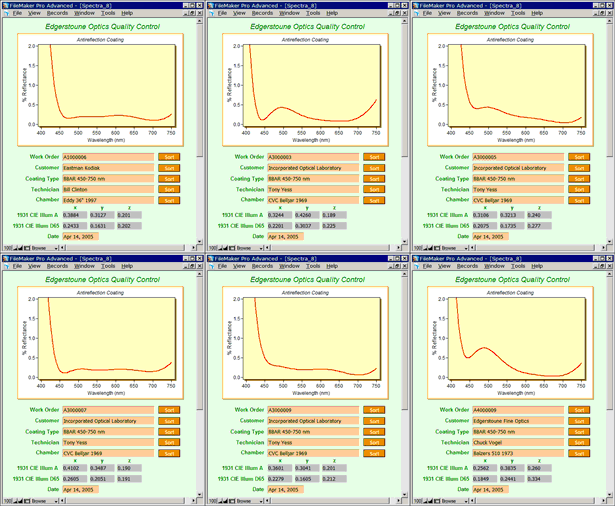 Spectra Database 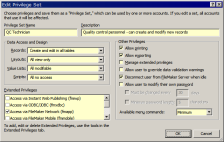 User Privilege Dialog |
Why FileMaker?FileMaker
provides means to store spectra and/or designs in a secure database environment.
FileMaker is an industry-standard workgroup solution
which easily connects to your
company's enterprise database. Click here
to learn how the database is integrated into FilmStar. FM12_GetSpectrum.xlsm FM12_GetSpectra.xlsm Spectra_12.fmp12 FileMaker user-privileges can be password protected. Data can be stored directly in the database instead of in thousands of files. Examples for storing spectra (illustrated here) and coating designs are based on the following FileMaker advances:
Companies with multiple users should contact FileMaker to discuss their optimum configuration. |
||||||||||||||||||||||||||||||||||||||||||||||||||||||||||||||||||